How to Evaluate AI Tool ROI When Every Dollar on a Small Team Counts
Measure two or three workflows against a baseline, not usage.
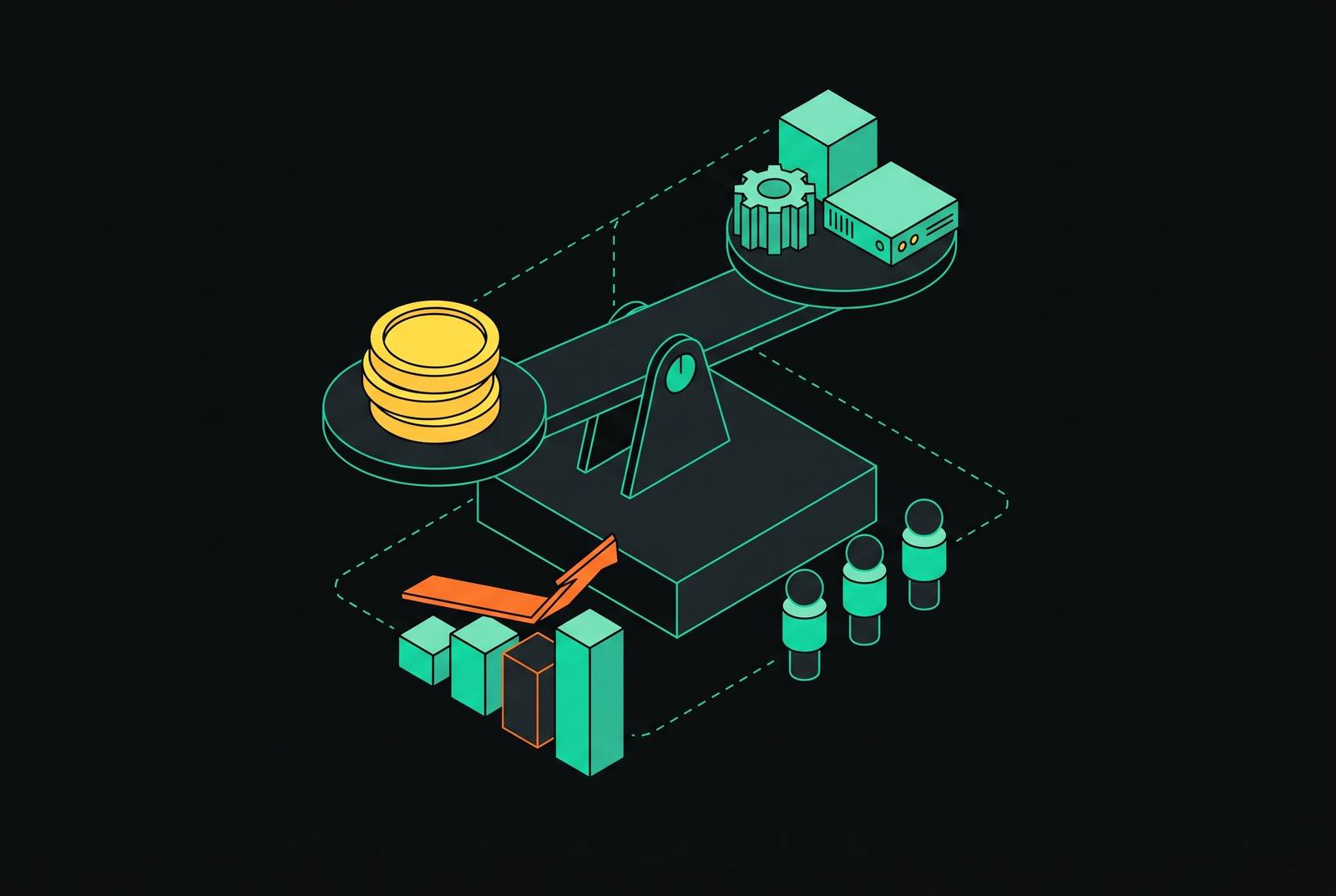
For a small team, evaluating AI tool ROI starts with choosing two or three repetitive, measurable workflows. The best fit is the tool that improves verifiable output in those workflows after setup, review, and subscription costs are counted. A baseline and a short monthly spreadsheet review can make that decision defensible without a dedicated AI person.
Why small teams keep buying AI tools they cannot prove are working
People use the tools, work gets done, and the business may improve. But what connects those events? A tool can appear successful because people open it every day, even when nobody has established whether it saves time or improves output. Usage alone cannot establish whether a tool is worth paying for.
Forrester's 2026 predictions put the share of AI projects that will not meet their intended goals at a majority, with failure rooted in success never being defined before launch. A small team can keep paying for a tool that only feels like it helps, or stop paying for one that does help because nobody can prove what it adds. Neither decision says much about tool quality. As subscriptions accumulate, the absence of evidence becomes a spending habit.
Why AI gains appear workflow by workflow, not team-wide
AI productivity gains are localized to specific workflows. A tool may help answer the same intake questions over and over without helping with the rest of a support role. Its value depends on the task it changes. That is why teams can get very different returns from the same kind of tool, even when they pay much the same for subscriptions.
Broad rollouts obscure this distinction by treating access as progress. Tools get installed, but few people use them and there is no result to measure. A meaningful gain across a narrow slice of work can compound through repetition, while a marginal gain spread across everything stays hard to detect.
Gartner's 2026 AI benchmarking shows that, among deployments that do not reach positive ROI, 92% fail because of governance gaps, integration failures, and measurement deficits. Those problems live in the process around the model. A better model alone therefore does not resolve them. Evaluate which workflows an AI tool improves and what evidence would establish that improvement.
How to pick the two or three workflows worth measuring
To turn that distinction into a buying decision, start with work that is repetitive, time-quantifiable, and frequent enough for gains to accumulate within a quarter. A task taking two hours once a year is a weak target compared with one taking twenty minutes dozens of times a month. The longer task may feel more burdensome, but the recurring task offers more opportunities to recover time.
Use payback ranges to compare candidates. The ranges in this framework are one to two months for an AI chatbot handling intake and FAQs, two to five months for workflow automation across CRM, email, and tasks, and three to nine months for lead generation and prospecting. Actual payback depends on how often the work happens in your team and how much effort the tool removes. Engineering and support workflows also differ by function and by how closely AI contributions are tracked at the work level.
Then apply a second filter. Can you record the workflow's time, error rate, and volume before introducing the tool? If not, its apparent promise will be harder to test. For work that happens often and relies on manual hand-offs, an autonomous agent with scheduling, persistent memory, and integrations may fit better than a one-shot assistant because it saves people from explaining the same things again.
What to record before the tool goes live
Record how long the task takes today and how often it occurs. Those two observations turn a claimed time saving into a monthly or annual benefit. Keep the unit of work consistent. A before-and-after comparison is only useful when it compares the same task rather than a narrow AI step with an entire manual process.
Where quality affects the outcome, record error rates, rework time, client complaints, or missed follow-ups. For content, note how much of it needs major changes. That baseline shows whether AI saves work or just shifts the work from drafting to rewriting. Keep the records somewhere you can reach in ninety days without relying on the vendor's activity metrics. Those metrics can show that the tool was used, but they cannot substitute for evidence that the business received better output.
The ROI formula that works for a small team and how to apply it
To calculate ROI, divide the net gain from AI by the total AI cost. Net gain is the value of the benefits minus those costs, and those benefits include recovered time-value, direct cost reductions, and revenue influenced. The time period must match throughout. Monthly benefits divided by costs from a different period will not give a defensible comparison.
For a simple worked example, consider a recurring workflow that saves a couple of hours per week but takes several hours to configure. In the spreadsheet, multiply the hours saved during the measurement period by the value you assign to an hour of that work. Then value the setup time on the same basis and add the subscription cost for that period. Subtract that combined cost from the recovered time-value, then divide the result by the combined cost.
The output still needs a quality test. If most AI-generated content needs only minor adjustments, it can deliver value, but the adjustment time belongs in the comparison. If most needs a full rewrite with no net time saved, the workflow has changed without producing a productivity gain.
Other benefits need equally clear units. Direct cost reductions can come from replacing a service, contractor, or manual step, and the value of fewer errors can be worked out from rework time plus the impact on the client per error. For ticket deflection, the deflection rate multiplied by the average cost per ticket gives the saving per incoming ticket, and the total support cost saved also depends on how many tickets come in. Revenue influenced is harder to isolate, so track directional trends over ninety days without treating every increase as an AI result. Leave overlapping benefits out of the total when adding them would count the same time or effort saved twice.
What to do with benefits that resist clean calculation
Reduced cognitive load, faster context retrieval, and better decision quality do not always fit neatly into the formula. Inventing a precise value for them weakens the measurable part of the case.
Use operational proxies when they show a change that can be seen in the work. Instead of pricing “better client communication,” compare revision rounds per deliverable or client response time before and after. Faster knowledge-base search may save a little time each time someone looks for a document, while agents that find the information people need can cut down on context switching. Where those effects cannot yet be measured reliably, record them as qualitative gains.
With persistent memory, a support agent that remembers what a customer already tried saves them from explaining it again, while a marketing agent that keeps brand voice and channel context saves people from building that context again each time. This is accumulated institutional knowledge. Name it as a qualitative benefit beside the ROI calculation, along with observations of how it changes the work. Over time, some of those observations may support a calculation, but they do not need a fabricated price to deserve consideration.
How to run the 30-to-90-day measurement cycle
A team of five does not need a data infrastructure project to maintain this discipline. A spreadsheet and a short monthly review are enough to compare the baseline with current work. Keep tracking the primary measure, whether that is time saved, cost reduced, or error rate. A single reading at the end of a quarter cannot show as clearly when a workflow began improving or when its gains stalled.
After a couple of months, run the ROI formula with real numbers. Count the time spent on configuration and review, since the initial setup still has to be paid for. Ask whether the primary metric is moving in the right direction and whether output quality has held up. Where revenue is part of the case, use the ninety-day trend as directional evidence.
When a workflow shows strong ROI, deepen it before buying another tool. Memory, scheduling, or multi-step automation can turn a point tool into a persistent agent and remove more of the repeated work around the task. Expansion should follow evidence of return. Conversely, cutting underperforming tools frees both budget and attention for workflows that deliver, so cancellation belongs in the same review as expansion. A measurement cycle that never changes a spending decision is only recordkeeping.
Where agent infrastructure changes the ROI calculation for teams building serious workflows
Once two or three workflows produce verified returns, the constraint can shift from tool selection to runtime infrastructure. The agent layer now needs to support persistence, scheduling, memory, and work across surfaces without making the team rebuild each workflow. Separate point tools create a context problem. A writing assistant in one window and a chatbot in another do not share memory or skills, so repeated explanation can erode the time each appears to save.
An agent operating system addresses that fragmentation by putting a single persistent agent behind chat, voice, task boards, scheduled jobs, and background workers. One memory store and reusable skills connect those surfaces through one dashboard. Instead of evaluating each interaction in isolation, a team can measure whether retained context reduces re-explanation and rework across the workflow.
Production agents in 2026 keep running, keep memory across sessions, spawn specialist sub-agents, and work with tools. A runtime designed for that architecture can reduce the work of rebuilding those capabilities separately. Persistent memory is needed when a workflow relies on knowledge built up over time, because a stateless agent resets after each session and needs the context again. Infrastructure therefore becomes part of the return calculation.
Setup friction belongs in that calculation too. A runtime that installs with a single command and works through CLI, Slack, and web reduces the onboarding effort that enters the cost denominator. Those capabilities are relevant once a workflow has demonstrated value. For a small team, the defensible infrastructure investment is the one that removes a measured constraint from work already worth doing.